HomeServer
Posted 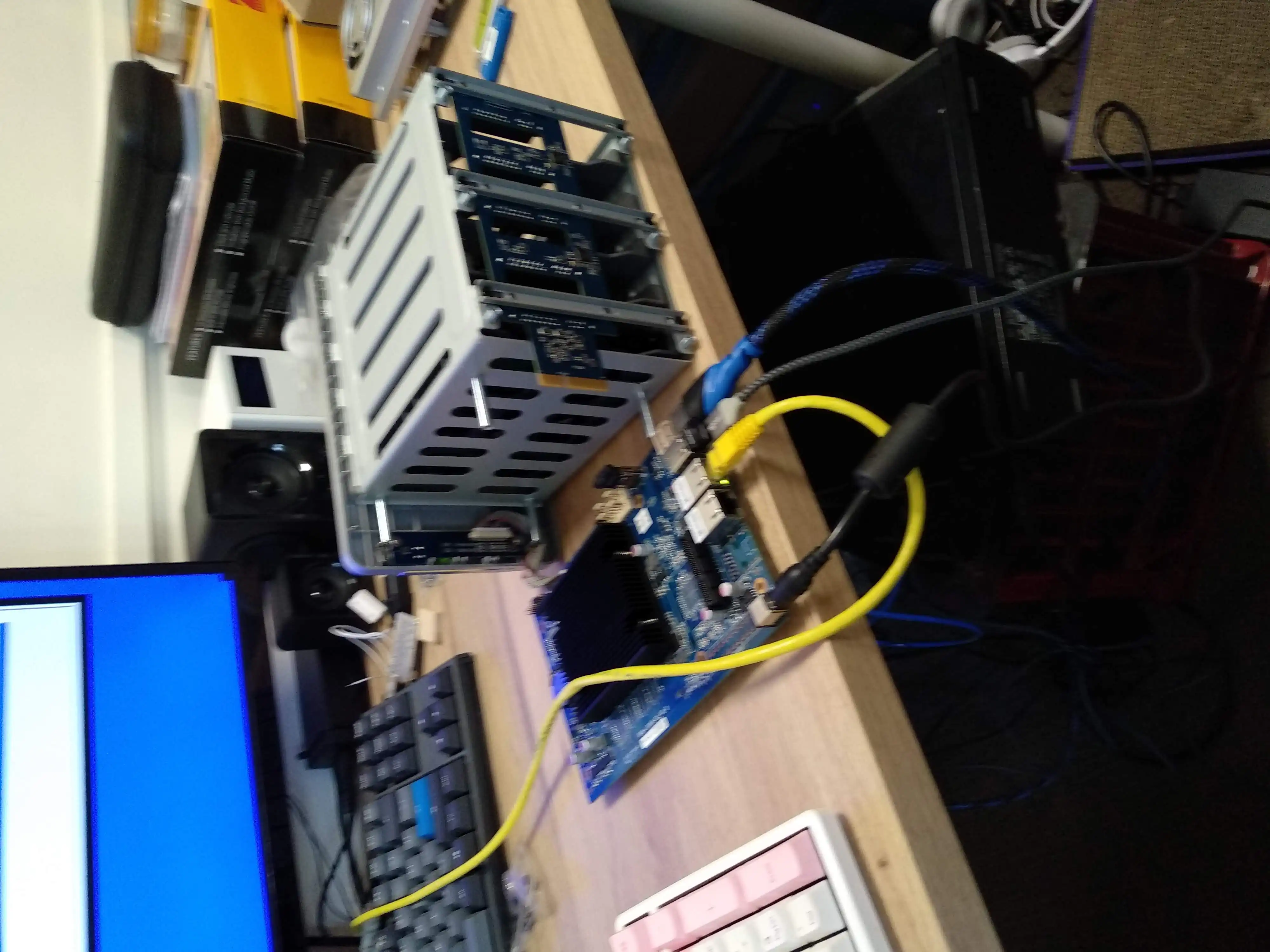
By
1 min read
HomeServer
Home Server
What began as a simple desire to store my personal files outside of the Google Cloud quickly snowballed into a full-blown passion for Linux, system administration, and networking.
In 2015, I earned my CCNA, which gave me a deeper understanding of the complexity of networking. In my free time, I experimented with VLANs and network shares using a cheap router. Over time, I progressively built more complex setups—from using an old laptop with a portable hard drive to writing my own firewall for the router, designing my network, and installing open-source software on a NAS. Eventually, I dove into the world of Virtual Machines, Docker, and Ansible, which all culminated in the creation of my homelab.
Infrastructure
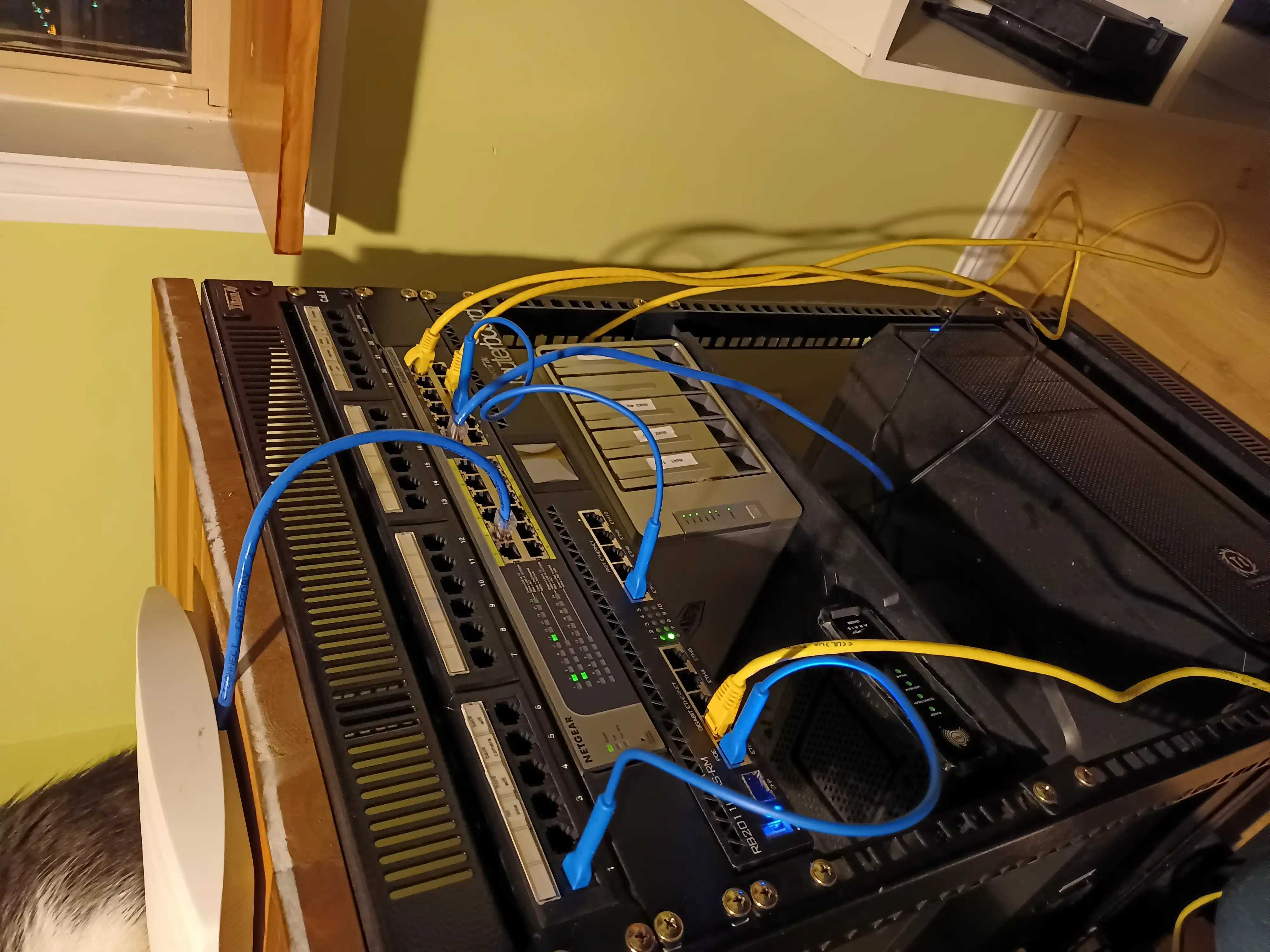
- MikroTik RB2011 Router: Reliable, feature-packed router for managing the network
- Netgear POE Switch: Power over Ethernet support for easy device connectivity
- TerraMaster F4-F423 NAS: 22TB of usable storage with a parity drive for redundancy
- Mini PC: Used to run virtual machines and containerized services
Software I Use
- Proxmox: Open-source virtualization platform with a completely web-based GUI for managing virtual machines
- OpenMediaVault: Installed on the NAS, replacing TerraMaster’s stock software (which wasn’t up to par)
- Docker: All my services are hosted in Docker containers for easy deployment and management
- Ansible: Used to automate the creation of virtual machines that host Docker containers
Containers and Services
- Bookstack: An open-source knowledge base platform for our local network (think of it like a Wikipedia)
- Immich: Self-hosted alternative to Google Photos
- Nextcloud: Self-hosted Google Drive replacement with built-in office suite
- Grist: Self-hosted database/spreadsheet tool for collaborative data management
- Jellyfin: Self-hosted media server (a great alternative to Netflix)
Photos
This post is licensed under CC BY 4.0 by the author.